PojavLauncher
Version : Gladiolus | Size : 147 MB
Download the latest and updated version of PojavLauncher APK for Minecraft Java Edition. It supports Java mods like Forge and Fabric, allowing you to run the full Java version of the game on your mobile devices. You can play Minecraft with full mod support and custom settings using Pojav.
What Is PojavLauncher APK
and What Does It Do?
Pojav Launcher is a Java-based game launcher for Minecraft Java edition, developed to launch any Minecraft version you want. Yes! It is not limited to the latest version only; you can even launch the very first public edition of Minecraft “rd-132211” with this launcher. Pojav Launcher is available for both Android and iOS devices.
Name | PojavLauncher |
Updated | 1 Day Ago |
Latest version | Gladiolus |
Total Downloads | 10M+ |
Requires Android | 5.0+ |
Size | 147 MB |
Price | Free |
Important Fixes in Latest Gladiolus Release
After months of continues development our Gladiolus release is out with some major fixes.
Signature features of PojavLauncher
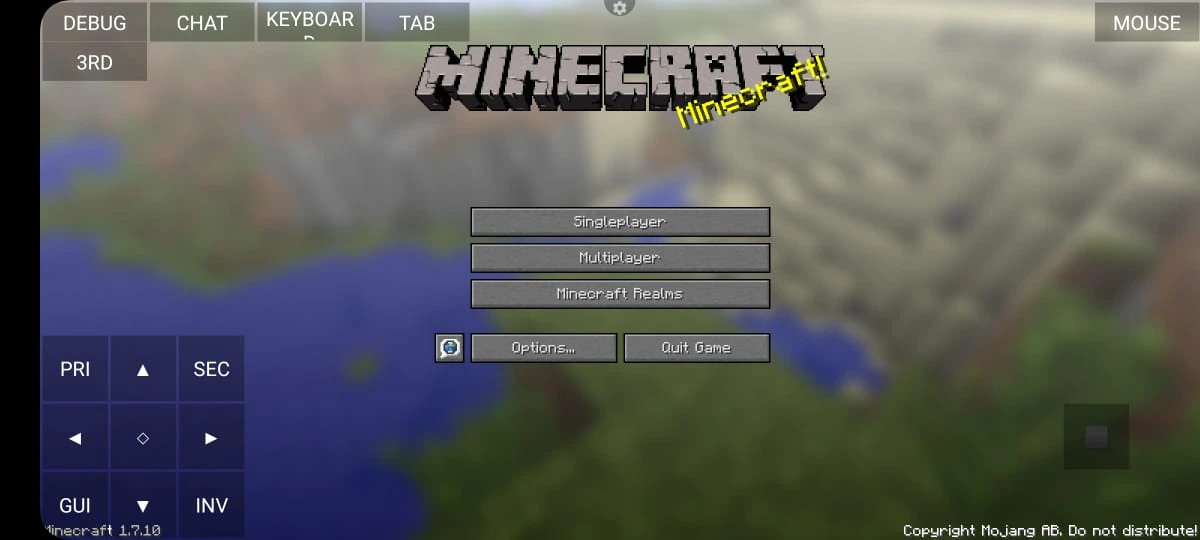
Unlike Minecraft Bedrock, Java edition offers full modding capabilities, nostalgia, and snapshot experience. Pojav removes the limit of your game experience, only on PC, letting you enjoy playing on Android and iOS devices. It has many superlative features like multiplayer support, offline mods, and much more.
Support for Full Java Edition
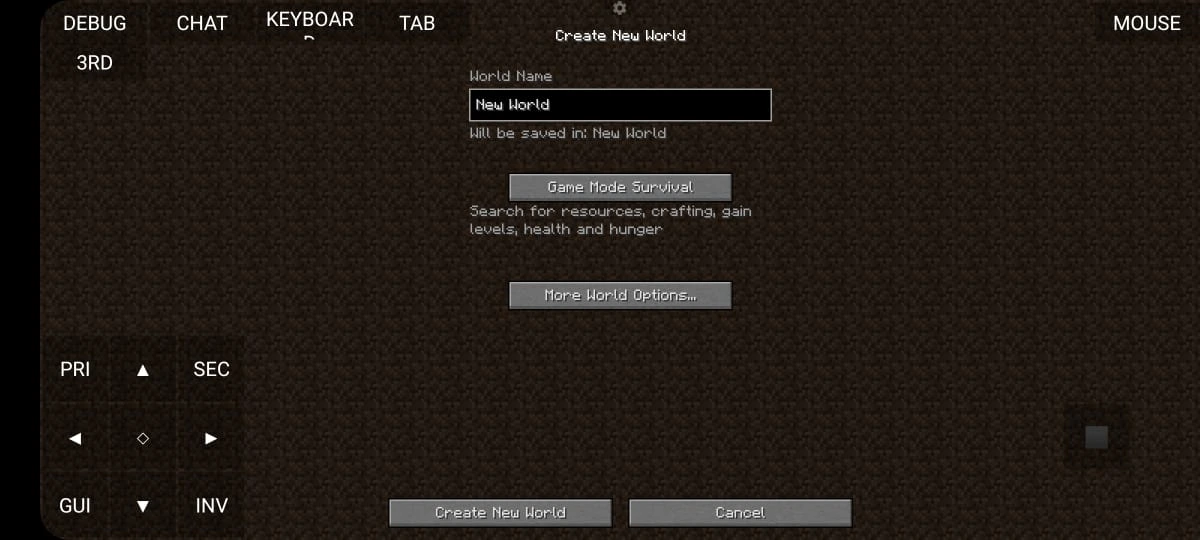
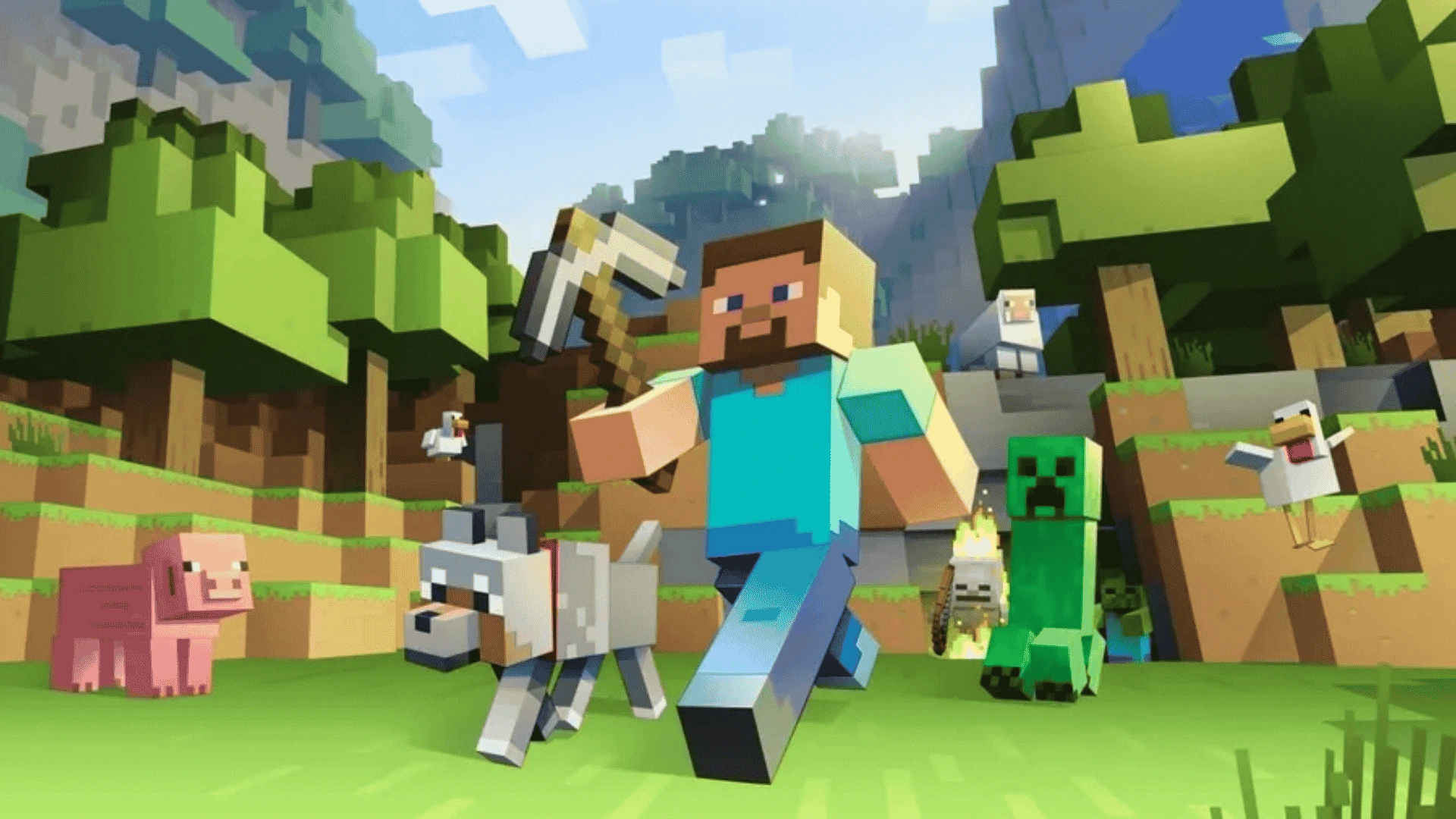
Pojav enables you to play the official Minecraft Java Edition on mobile devices. You can sign in using your Mojang or Microsoft account and enjoy all the versions available on PC, ranging from early Alpha to the newest snapshots. Whether you prefer modding or sticking to the vanilla experience, you can have the complete desktop experience on your phone or tablet.
Mod Support (Forge & Fabric)
Minecraft Java Edition can run mods, and Pojav supports both Forge and Fabric. Forge for running major mods like Optifine, Create, Biomes O’ Plenty, etc. Fabric is a lightweight alternative for performance and utility mods. Amazingly! You can manually place your .jar file into the destination folder, just as we did on the PC. Even the most popular and complex mods can work with a proper setup.
Customizable Controls & Gamepads
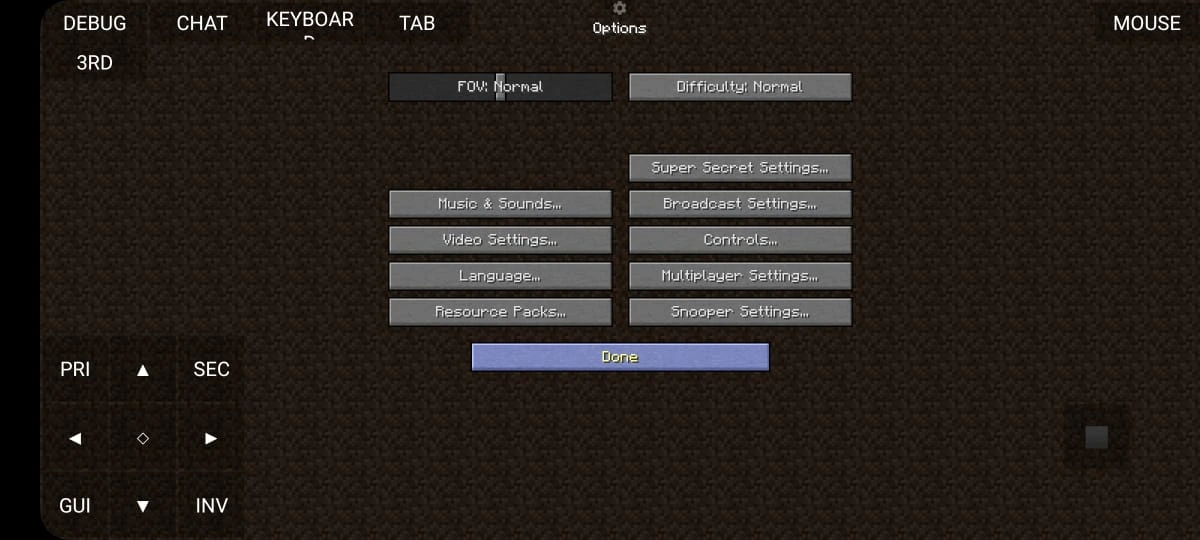
Pojav provides completely customizable touch controls that appear on the screen. You can change the size, move the position, and alter the layout of buttons to suit your gaming preferences. It also accommodates external gamepads, keyboards, and mice, making it ideal for use with Android TV, tablets, and Chromebooks.

Shaders & Resource Packs
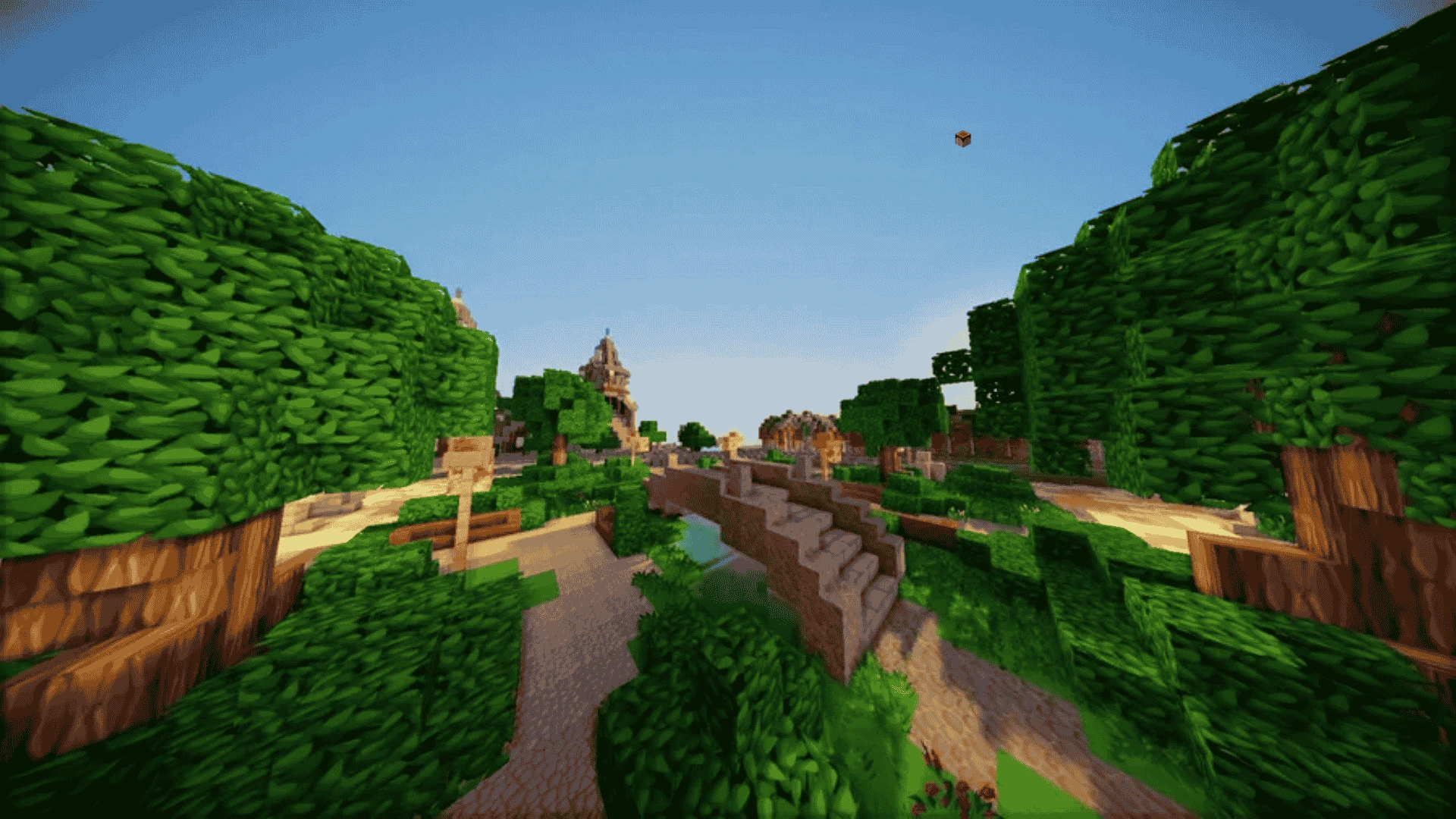
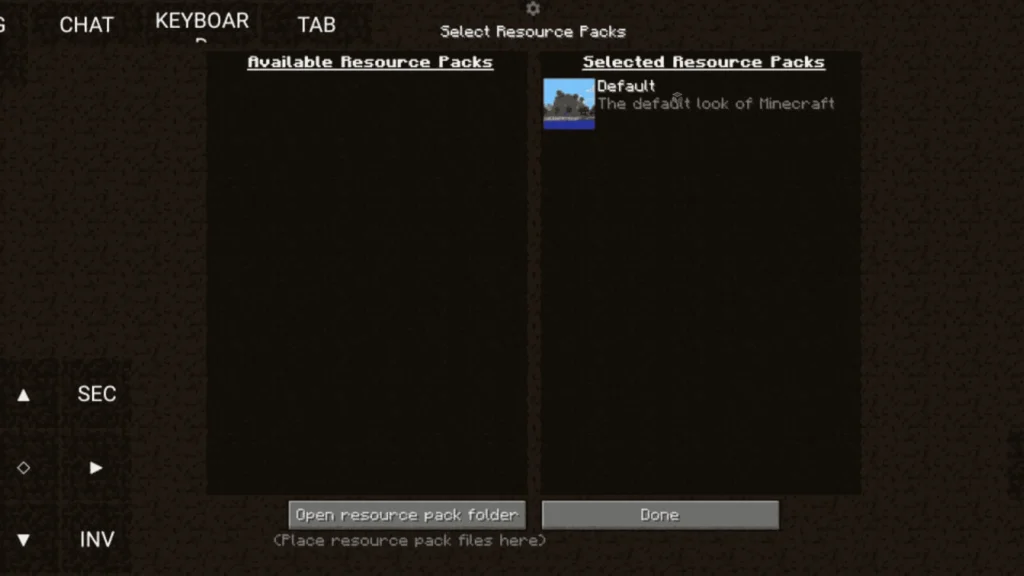
Pojav supports shader mods like Iris(paired with sodium) as well as an HD resources pack. Mainly, performance depends on your device; that’s why many users have mid to high-end mobile devices and use shaders like SEUS or BSL.
Advanced Graphics Settings
Players can choose between GL4ES, Zink, or ANGLE as the rendering Background to adjust render distance, resolution, FPS caps, and V-Sync. Users can manage RAM allocation and JVM arguments as well.
Multiplayer Support
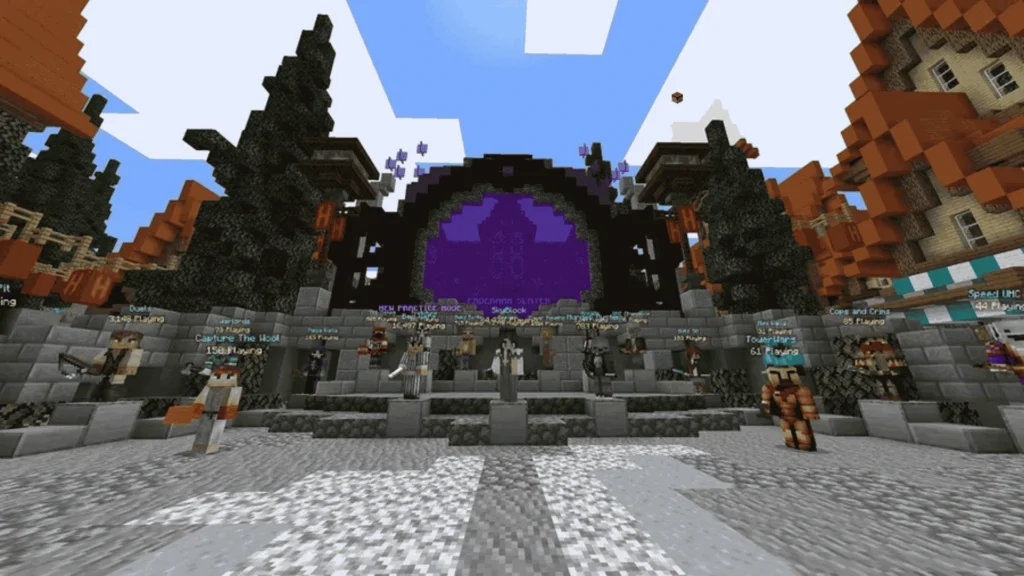
PojavLauncher indeed allows access to multiplayer servers! You can connect to your preferred Minecraft Java Edition servers, whether that be Hypixel, Mineplex, or a private SMP you set up. Just ensure that your mods and version of Minecraft align with the server’s requirements.
Offline Mode
If you lack internet connectivity or prefer to play alone, Pojav can be used in offline mode as well. You can engage in survival, creative, or LAN worlds without having to log in each time.
Open Source & Actively Maintained
We made our project open-sourced, and our GitHub repository is publicly available, with a dedicated developer team that constantly works on updates, bug fixes, and improvements.
Core Components of PojavLauncher
Let’s talk about how Pojav Launcher works and its core technology
Java Runtime Environment (JRE)
Java is the essential component to run the Minecraft Java version. Android doesn’t support full Java natively. Pojav includes in-build open JDK(Java 8 or 17) which Lets run .jar the same we run on our PC. This Launcher uses its own JVM wrapper to optimize performance on ARM processors.
OpenGL Rendering (via GL4ES, Zink, or ANGLE)
Minecraft uses OpenGL for rendering but Android uses OpenGL ES. Pojav solves this issue using:
GL4ES: Converts OpenGL calls to OpenGL ES.
Zink: A Vulkan-based OpenGL implementation (used with newer devices)
ANGLE: Converts OpenGL to Direct3D (used on iOS or certain Android devices).
Minecraft Game Files
Pojav downloads and utilizes the official Minecraft Java files that are used by the PC version, including Minecraft.jar, libraries, assets, and mod loaders such as Forge and Fabric.
Input & Controls
Minecraft was originally built for mouse and keyboard that why this Java Edition for Android adds Customizable touch controls, Support for external controllers, On-screen GUI scaling, and remappable keys.
File System Emulation
PojavLauncher emulates the Minecraft .minecraft folder structure, so Mods go in /mods, Resource packs in /resource packs, Worlds in /saves. It means you are just managing your files like on a PC
Mod & Shader Support
This launcher can load Forge mods (like OptiFine, Create, Twilight Forest), Fabric mods (Sodium, Lithium, etc.), and Iris Shaders for dynamic lighting and better visuals.
Performance Optimization
Minecraft Java mobile launcher has several advanced settings to tweak performance like RAM Allocation (1024MB, 2048MB), Custom JVM Arguments, FPS caps, V-Sync, render distance, and entity limits.
JVM Arguments in PojavLauncher
When you are playing with Minecraft Java Edition using this launcher you have probably seen a setting named “JVM Arguments”. Yes! It is one of the most powerful tool to improve mod compatibility, stability, and game performance. JVM Arguments are startups parameters passed to Java Virtual Machine (JVM) when launching Minecraft. Some of the main and most important Arguments are discussed below:
Set Maximum RAM Usage
-Xmx2GThis tells Java to use up to 2 GB of RAM. Adjust it according to your device.
Set Minimum RAM
-Xms512MIt’s optional and you can adjust it according to your needs.
Enable Garbage Collection Optimization
-XX:+UseG1GCEnables the G1 Garbage Collector, which improves memory management and reduces lag spikes.
Disable Explicit Garbage Collection Calls
-XX:+DisableExplicitGCStops modifications or the game from activating memory cleanup that can cause lag during inopportune moments.
Optimize Performance with Additional Flags
-XX:+UnlockExperimentalVMOptions -XX:+UseStringDeduplicationThese options help optimize memory usage and string handling, especially when using lots of mods or resource packs.
Best JVM Arguments for Low-End Devices (2 GB RAM)
-Xmx1024M -Xms512M -XX:+UseG1GC -XX:+DisableExplicitGCCaps RAM at 1 GB to avoid crashing while enabling smoother garbage collection.
Best JVM Arguments for High-End Devices (4 GB+ RAM)
-Xmx3072M -Xms1024M -XX:+UseG1GC -XX:+UnlockExperimentalVMOptions -XX:+UseStringDeduplication -XX:+DisableExplicitGCOptimal for large mod packs or shaders with up to 3 GB RAM usage for better memory deduplication.
Pros and Cons of PojavLauncher
| Pros | Cons |
| Runs Minecraft Java Edition on mobile | Touch controls can feel awkward |
| Supports mods (Forge & Fabric) | High battery and CPU usage |
| Shaders & resource pack support | Requires manual setup |
| External keyboard & controller support | iOS installation is difficult |
| Customizable JVM arguments & RAM settings | Occasional crashes with heavy mods |
| Multiplayer server access | No official Mojang support |
| Open-source and regularly updated | Need Heavy Storage |
| Completely free to use | Performance varies |
| Works on Android, iOS, Chromebooks, and Android TV | Still experimental for advanced shaders and large modpacks |
Common Errors and their Solutions
We check our social media handles and GitHub repository regularly to listen to our players’ problems and to solve them. Some of the significant issues and their solution are available in the section below:
“Exit Code 1” or Game Crashes on Launch
Some users reported that the App is not installed on their devices and displays an error message. This might be due to multiple reasons, such as you not allowing permissions or the APK is not compatible with your device.
Begin by opening a standard (unmodified) version of Minecraft to confirm that the base game functions correctly. Next, check your JVM arguments and keep them straightforward like this:
-Xmx1024M -Xms512M -XX:+UseG1GC. Additionally, ensure that you are using the appropriate version of Java (Java 8 for 1.16.5 and earlier; Java 17 for 1.17 and later). Avoid allocating more RAM than is available on your device, as this may cause it to crash.
Unable to Extract Native Libraries
This is due to the APK file being incomplete or incompatible with your Android version.
Access your device’s Settings → Applications → PojavLauncher → Permissions, and ensure that Storage permission is granted. Next, clear the app’s cache. If the problem continues, consider reinstalling the launcher and re-downloading the Minecraft version.
Login Failed with Microsoft Account
This error happens when your Microsoft login information is either incorrect, outdated, or your internet connection is unreliable.
Delete the stored Microsoft account from the launcher and attempt to log in once more. Make sure your device has an active internet connection and that your Microsoft account has ownership of Minecraft Java Edition. Restarting the launcher may also assist in refreshing the tokens.
Black Screen After Launch
If Minecraft opens but stays on a black screen, this typically indicates rendering issues or broken shader/resource packs.
Access the launcher’s settings and adjust the Renderer by toggling between GL4ES, Zink, and ANGLE. Turn off any shaders or high-definition resource packs, and consider reducing the graphics settings within the game. This usually helps to fix the problem.
Forge/Fabric Mods Not Working or Causing Crashes
When mods fail to function or cause the game to crash, it’s often due to incompatibility with the version or the absence of necessary files.
Verify that the mods you’ve installed correspond to the specific version of Minecraft and the mod loader you are using (Forge or Fabric). Put the mods in the appropriate directory. Additionally, make sure you aren’t combining Forge mods with Fabric mods unless you’re implementing a hybrid method such as NeoForge.
No Such File or Directory Error
This issue arises when either Minecraft or Java files are absent or not installed correctly.
Access the Launch Options in Pojav, select your desired version, and press Download Assets. This will retrieve the necessary files again. If the issue persists, try changing Java versions and attempt it once more, or completely reinstall Pojav-Launcher.
JVM Crash: SIGSEGV or JNI Errors
This error means Java is crashing due to memory violations or misconfigured JVM arguments.
Eliminate all advanced or experimental JVM options. Only utilise safe options such as:
-Xmx1024M -Xms512M -XX:+UseG1GCAdditionally, consider switching to another Java version (Java 8, 11, or 17) in the launcher settings and play Minecraft without any modifications.
Stuck on Mojang Logo or Infinite Loading
This issue usually comes from corrupt game configuration files or mod conflicts.
Navigate to your .minecraft folder and remove files such as options.txt, launcher_profiles.json, or any damaged configuration files found in the /config/ directory. Attempt to start the game fresh, without any mods or resource packs.
Error Code 255
This is a common crash code typically resulting from damaged Minecraft files or incompatible mods.
Please save a copy of your .minecraft folder, then remove it entirely to compel the launcher to fetch a new version. Avoid using both Forge and Fabric mods together. Use only one mod loader at a time to avoid any conflicts.
Low FPS or Heavy Lag
This is not an error notification, but numerous users experience lag while playing, particularly on less powerful phones.
Reduce the graphics settings in Minecraft by decreasing the render distance, changing the graphics to “Fast,” and turning off Smooth Lighting. Refrain from using shaders and high-definition resource packs. Additionally, you might adjust JVM arguments to assign sufficient RAM for improved performance:
-Xmx1024M -Xms512MPerformance-enhancing mods such as Sodium (Fabric) or OptiFine (Forge) can also significantly improve gameplay.
How to install PojavLauncher
To install the latest version of APK, follow the following steps:
- Download the file from our site pojavlaunchers.org.
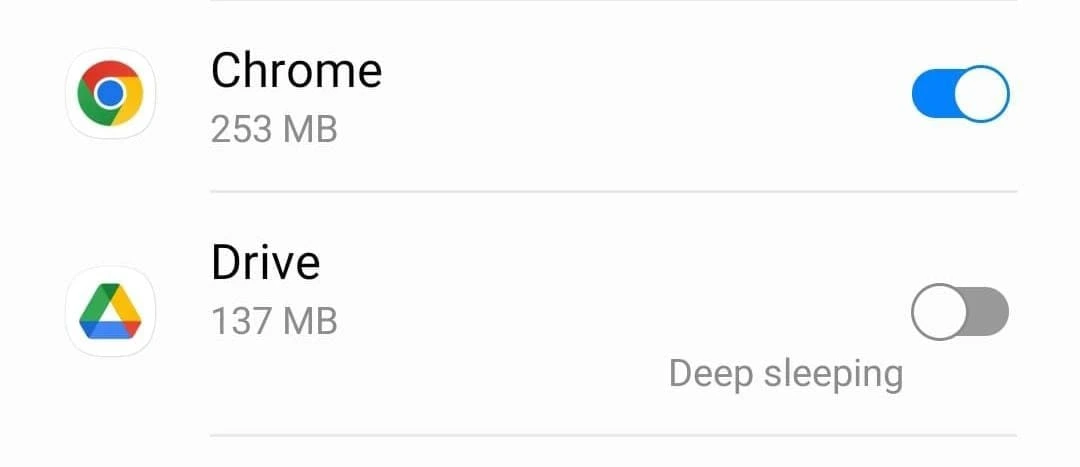
- Now navigate to your phone settings, enable unknown sources, and grant permission to Chrome or any other browser you utilize.
- Now access the APK file from your storage or navigate to the file manager.
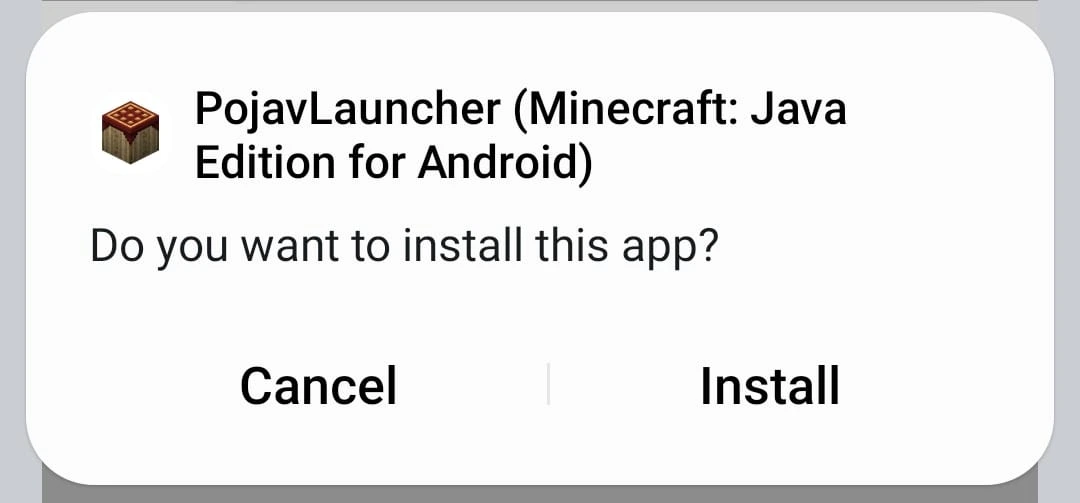
- Click on Install and wait for the installation.
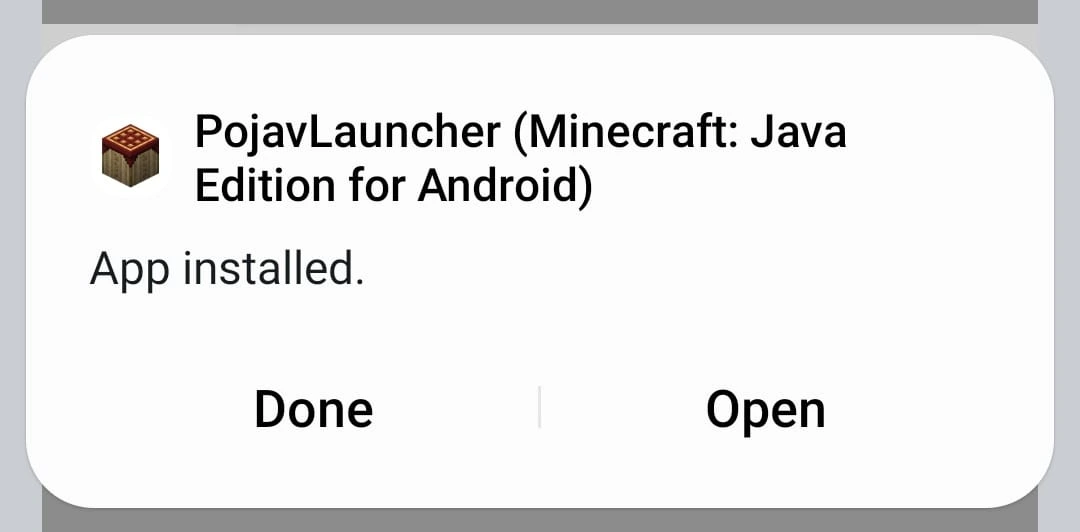
Boom! Your launcher is installed, and you are ready to play your favourite game.
Requirements for Downloading Pojav
→ Fast Internet Connection.
→ Android Version 5+.
→ 150 MB of Free Space.
→ Extra Space for resources.
If you have an iOS device, checkout our iOS guide.
Frequently Asked Questions
Check our FAQs section for further details.